SPECIALTY VIEWS
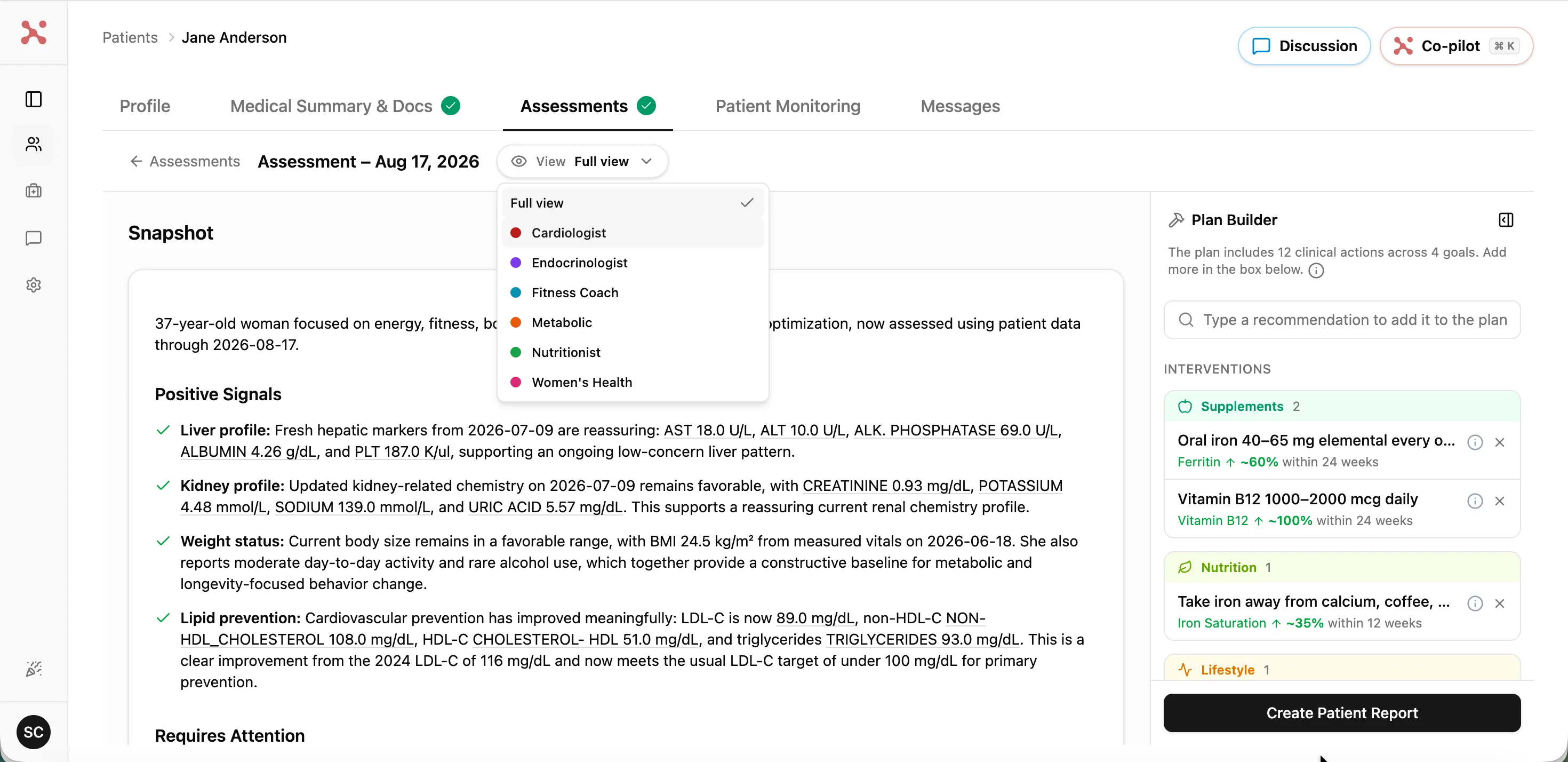
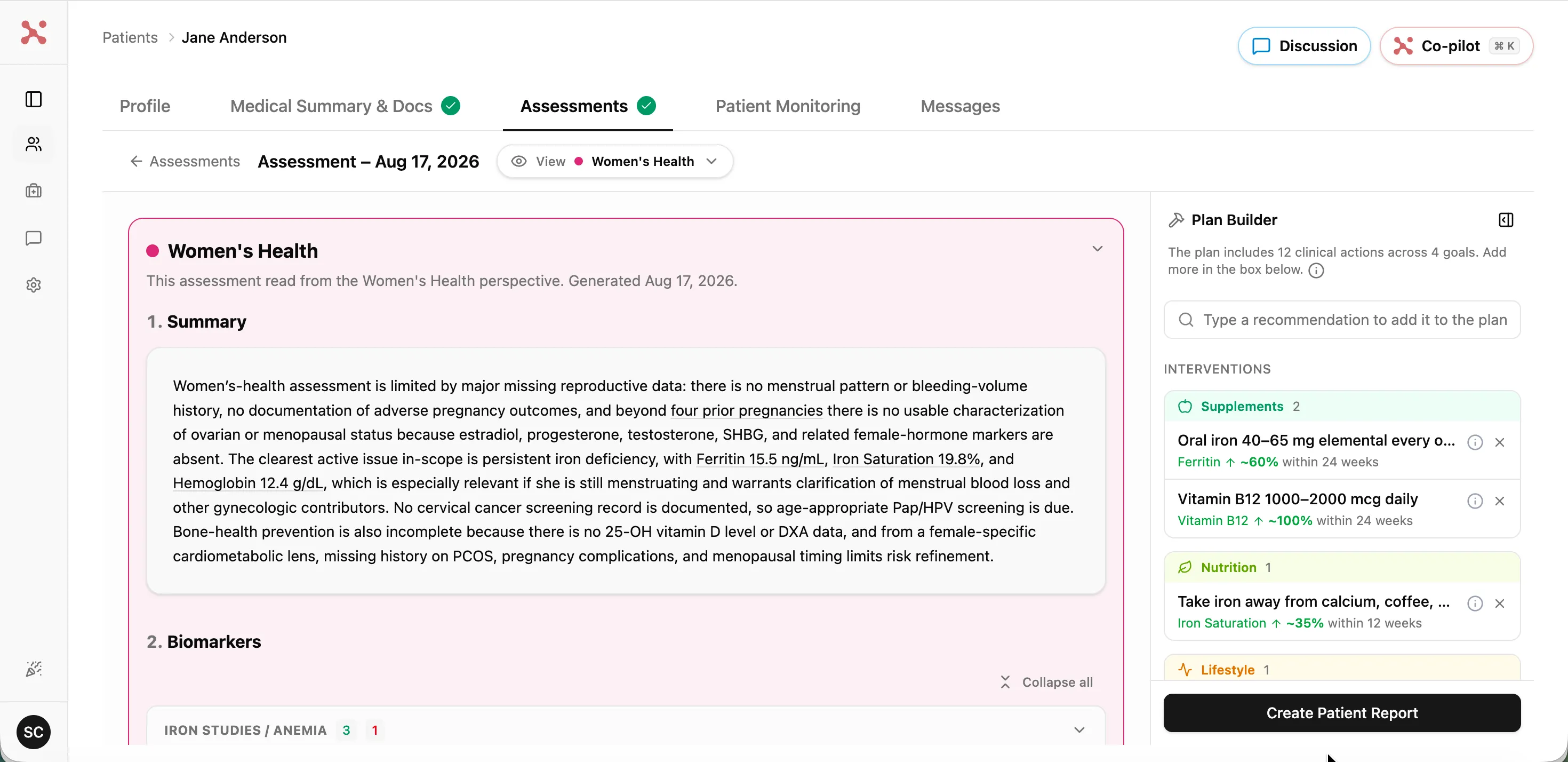
See the chart through your specialty's eyes
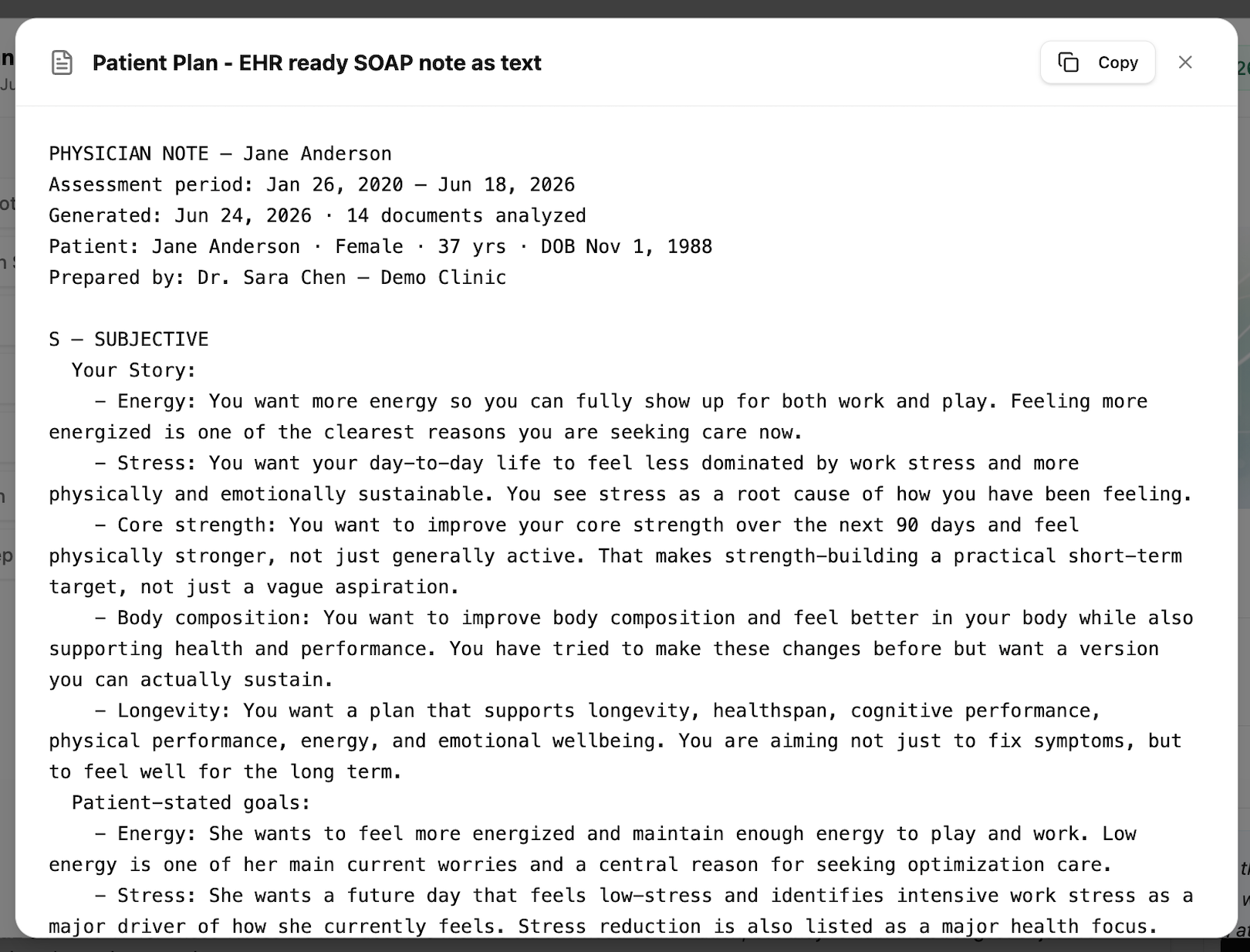
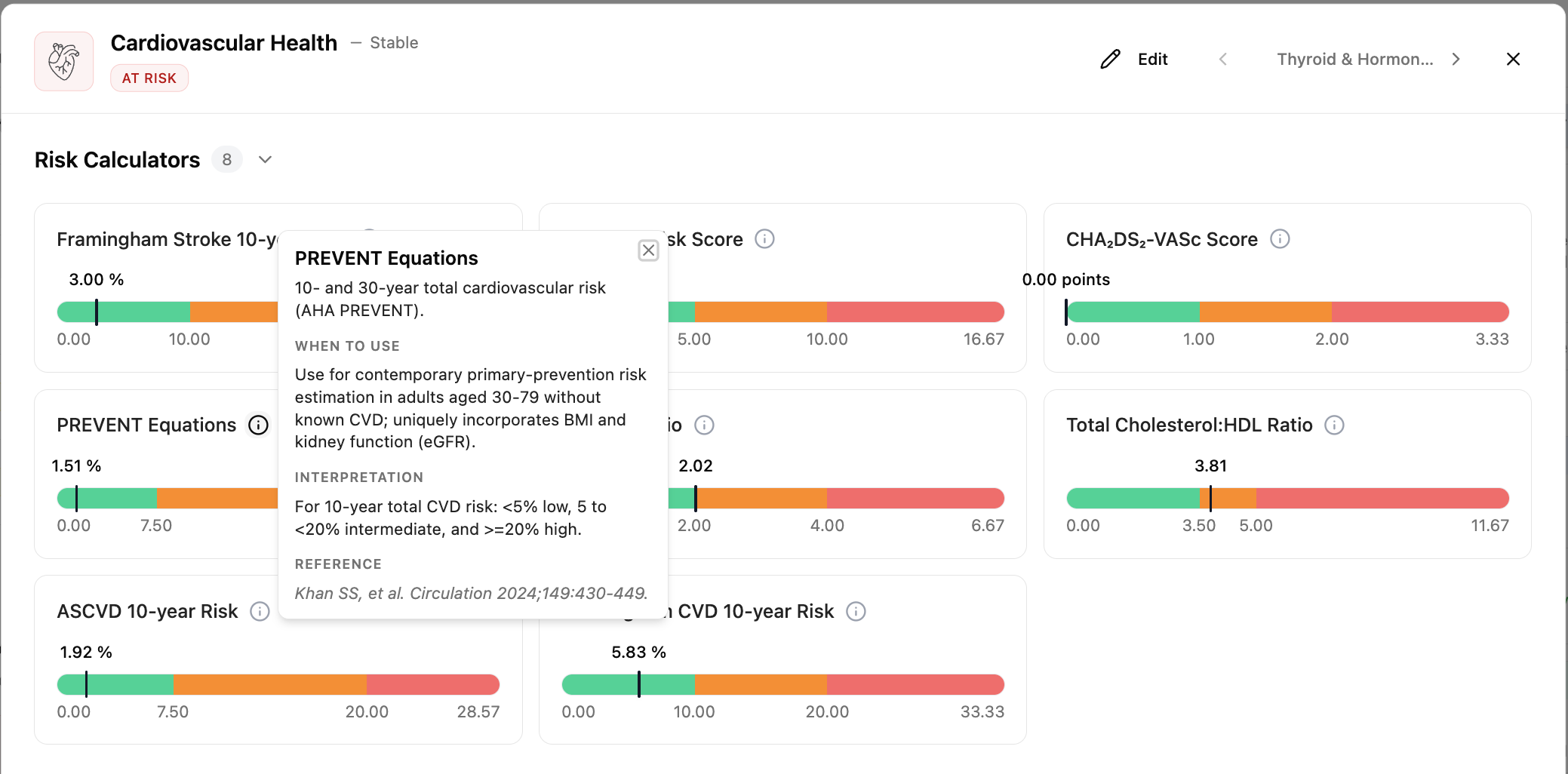
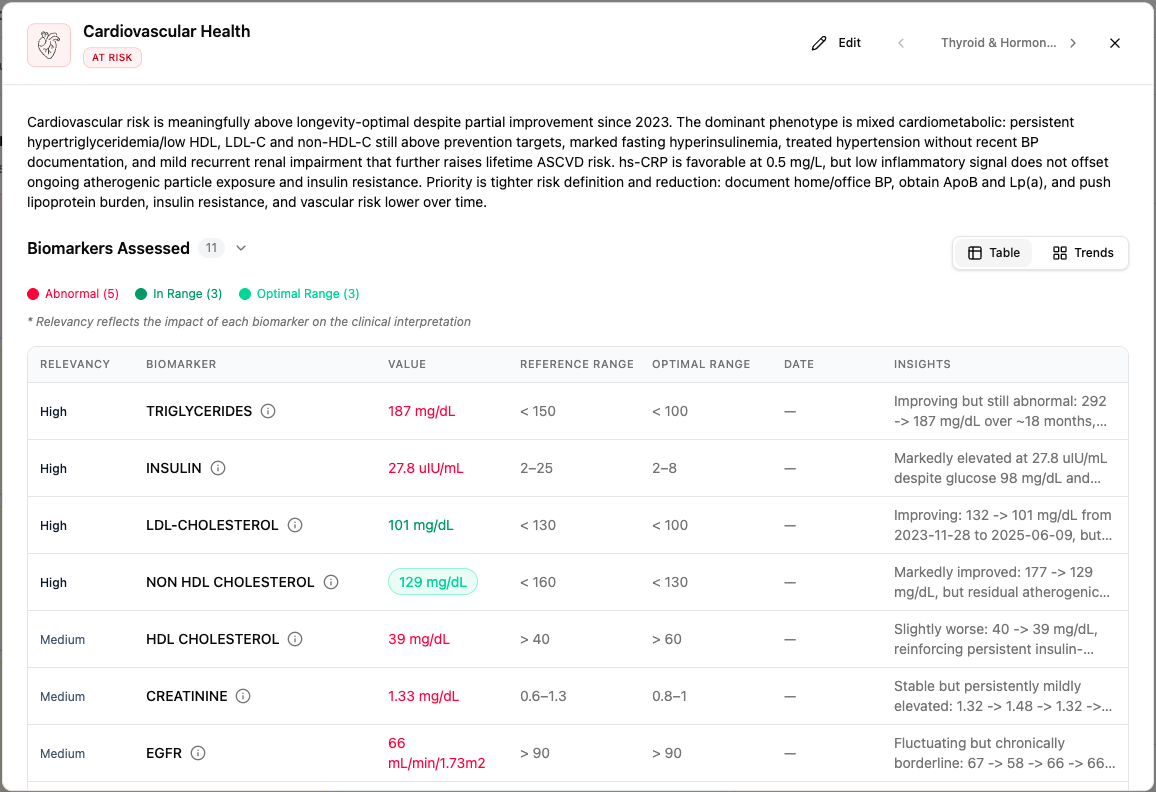
The Medical Summary can now be viewed through a specialist lens. A cardiologist and a gynecologist looking at the same patient each see the data organized around what matters for their specialty, so the signal for your discipline is never buried in someone else's ordering.
COLLABORATION
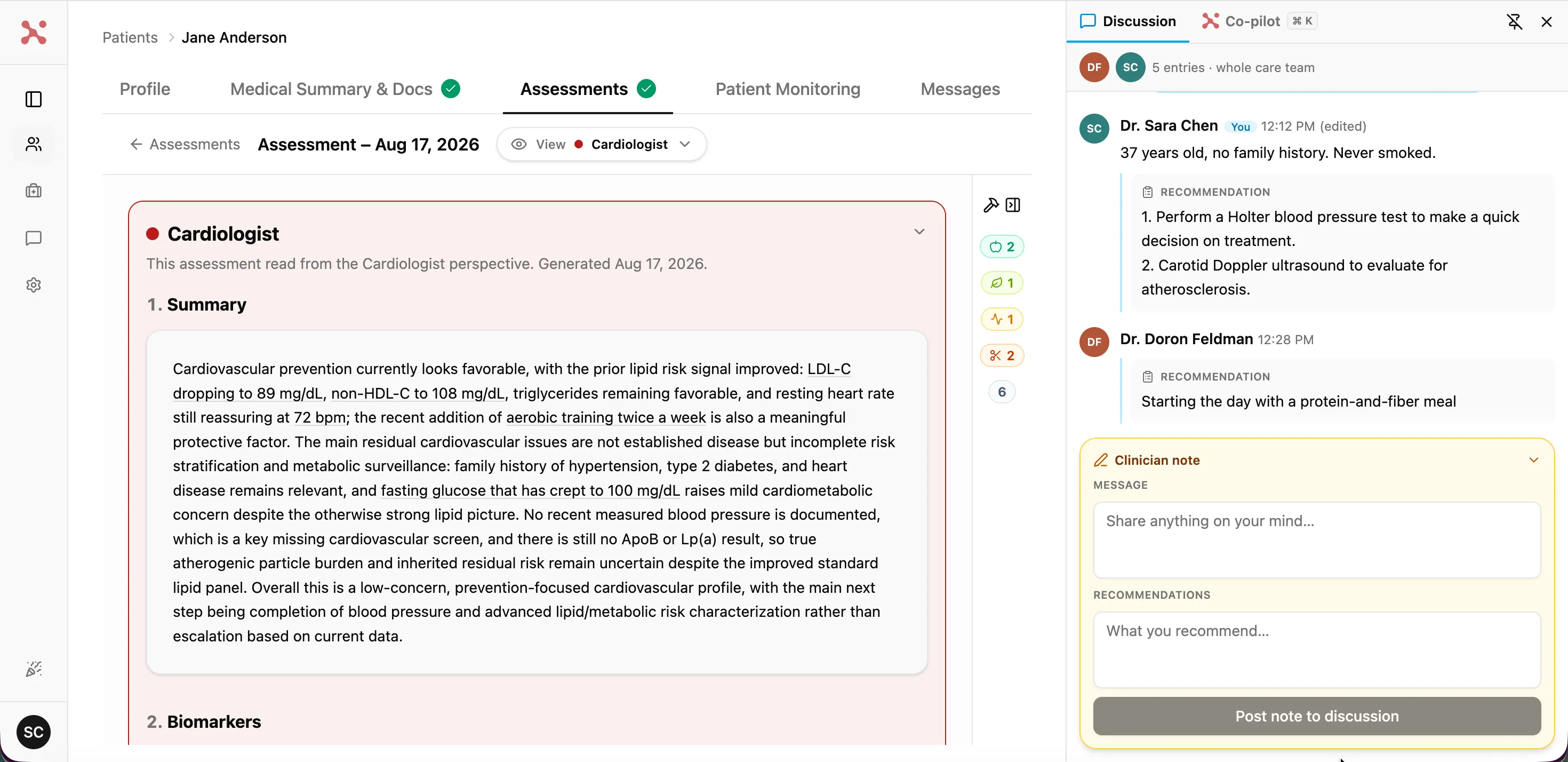
Discuss the patient right on the chart
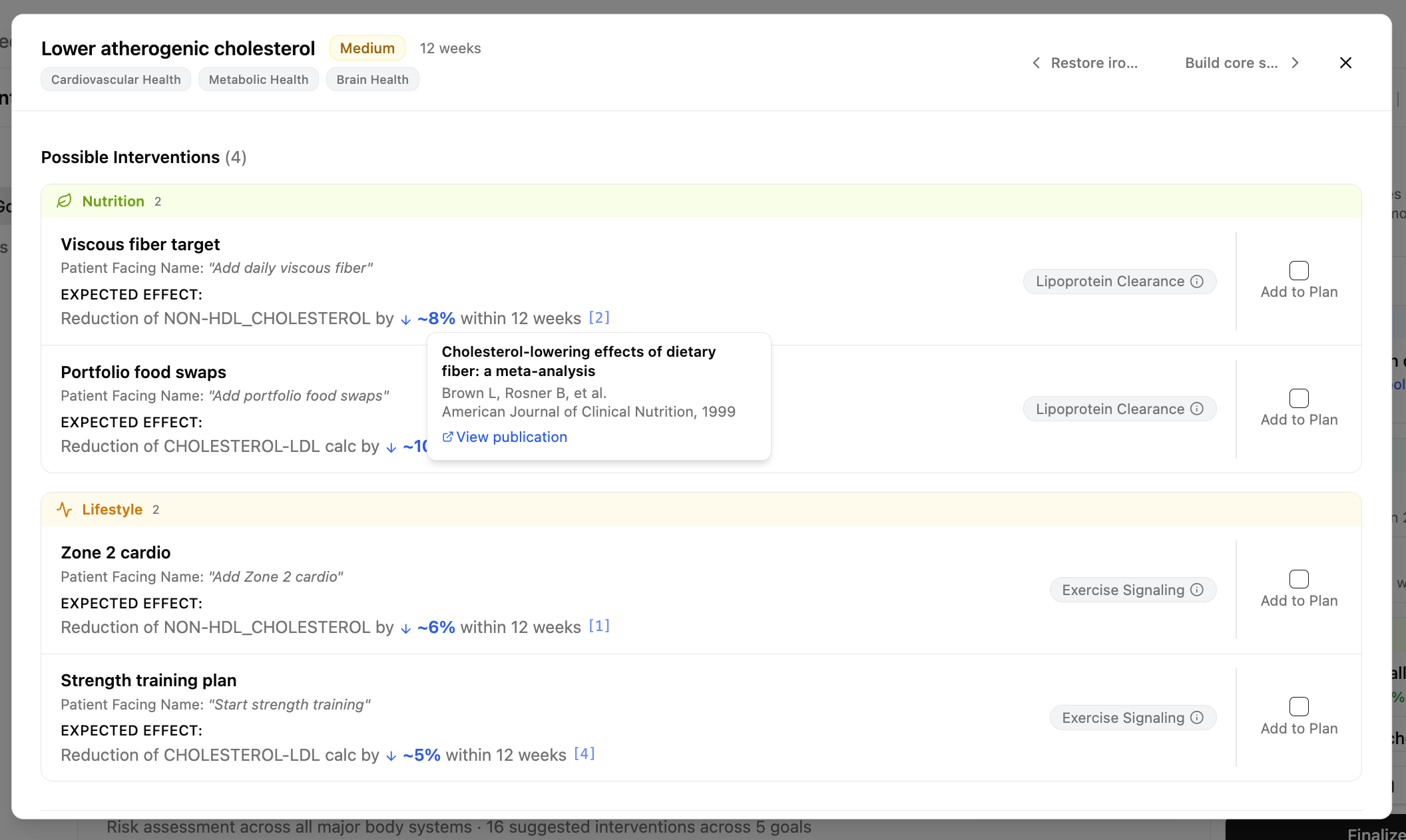
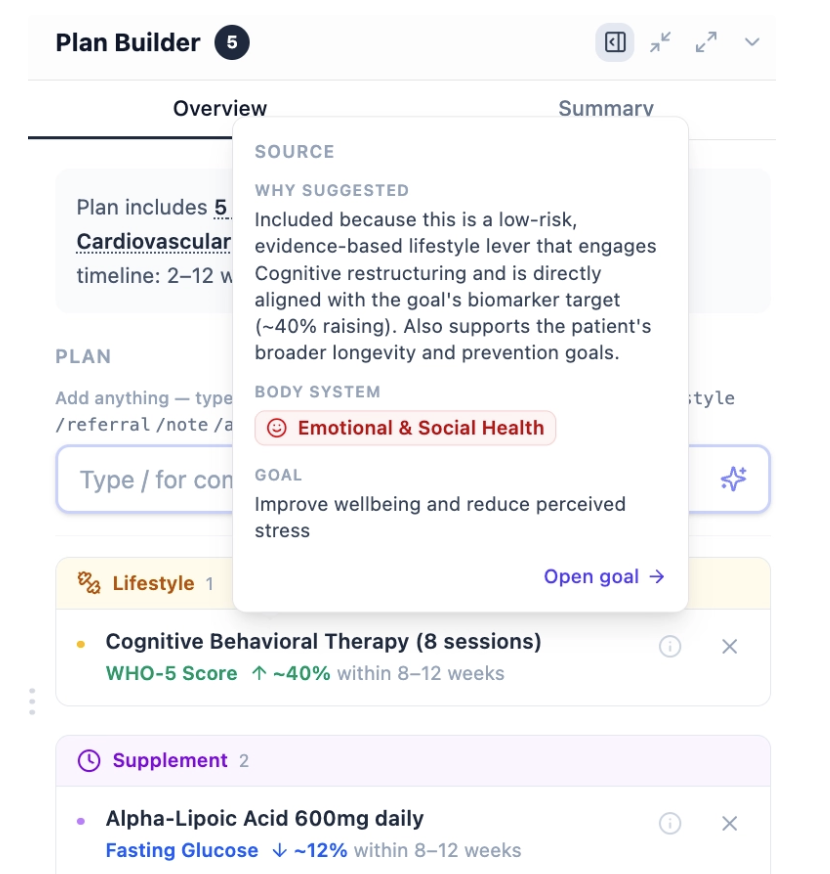
Bring the team into the chart itself. Open a Patient Thread, drop a recommendation, react to a colleague's note, or leave your own. It stays with the patient, not scattered across email and chat. Agree as a team, and that's what the patient sees in their presentation.
SOURCE DOCUMENTS
Trace every statement back to the patient's document
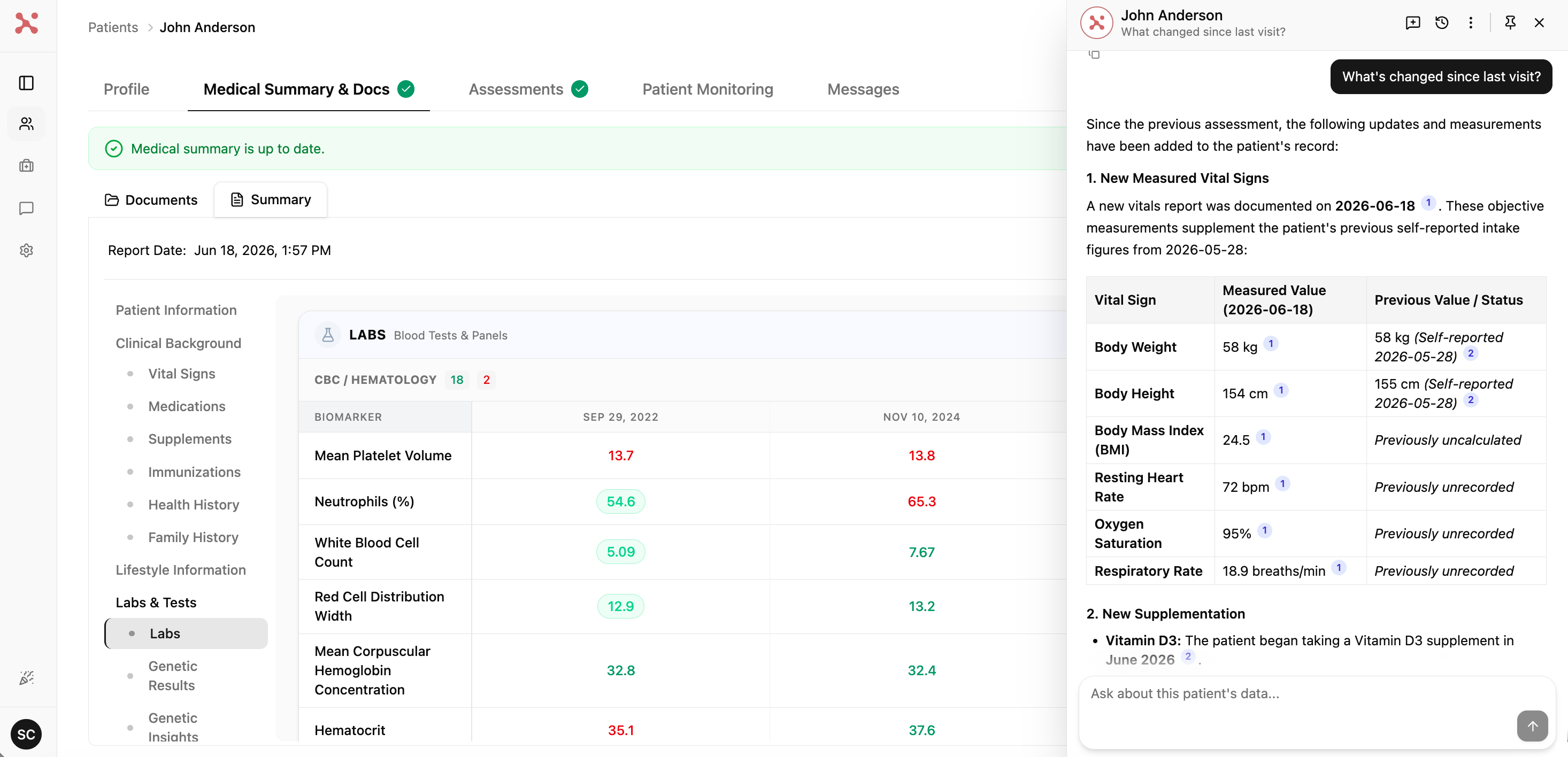
Every statement in the Medical Summary links straight to the exact source document and page it came from. Something looks off? One click, and you're looking at the original record.
ASSESSMENTS
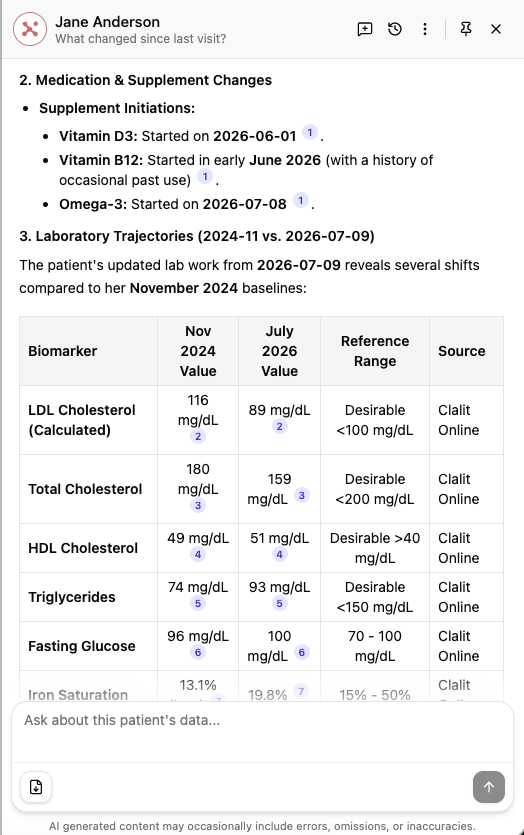
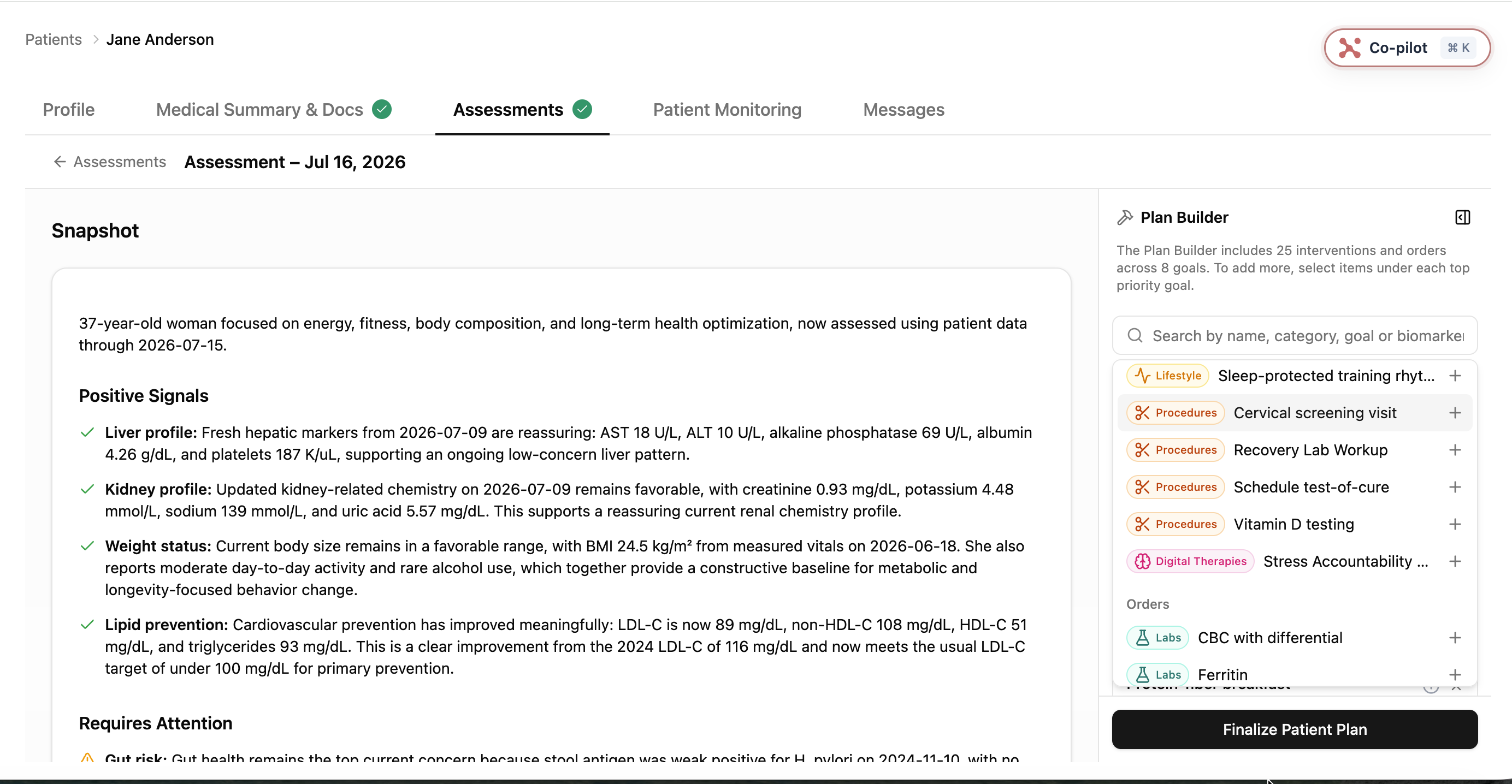
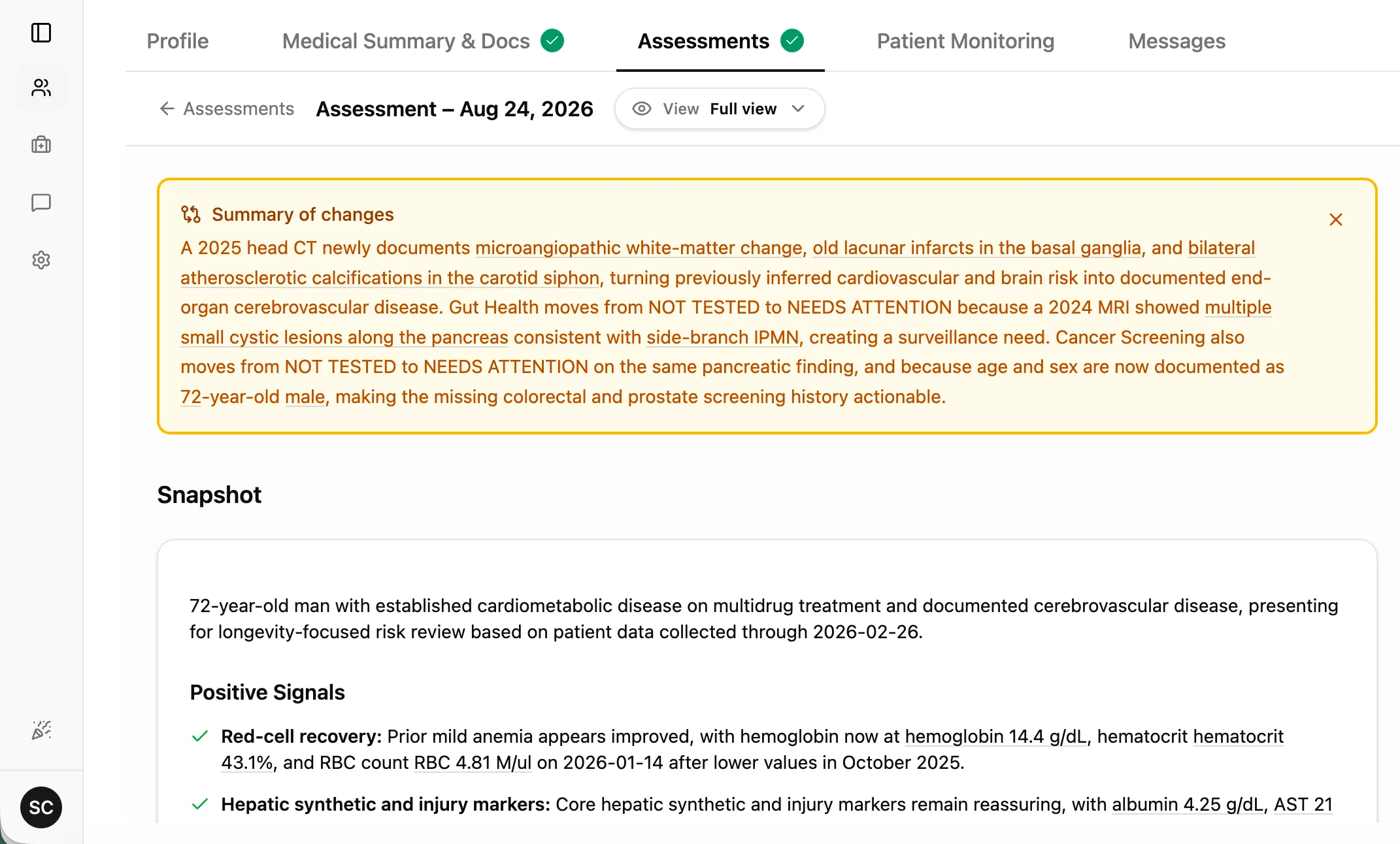
Know what changed, before you read anything else
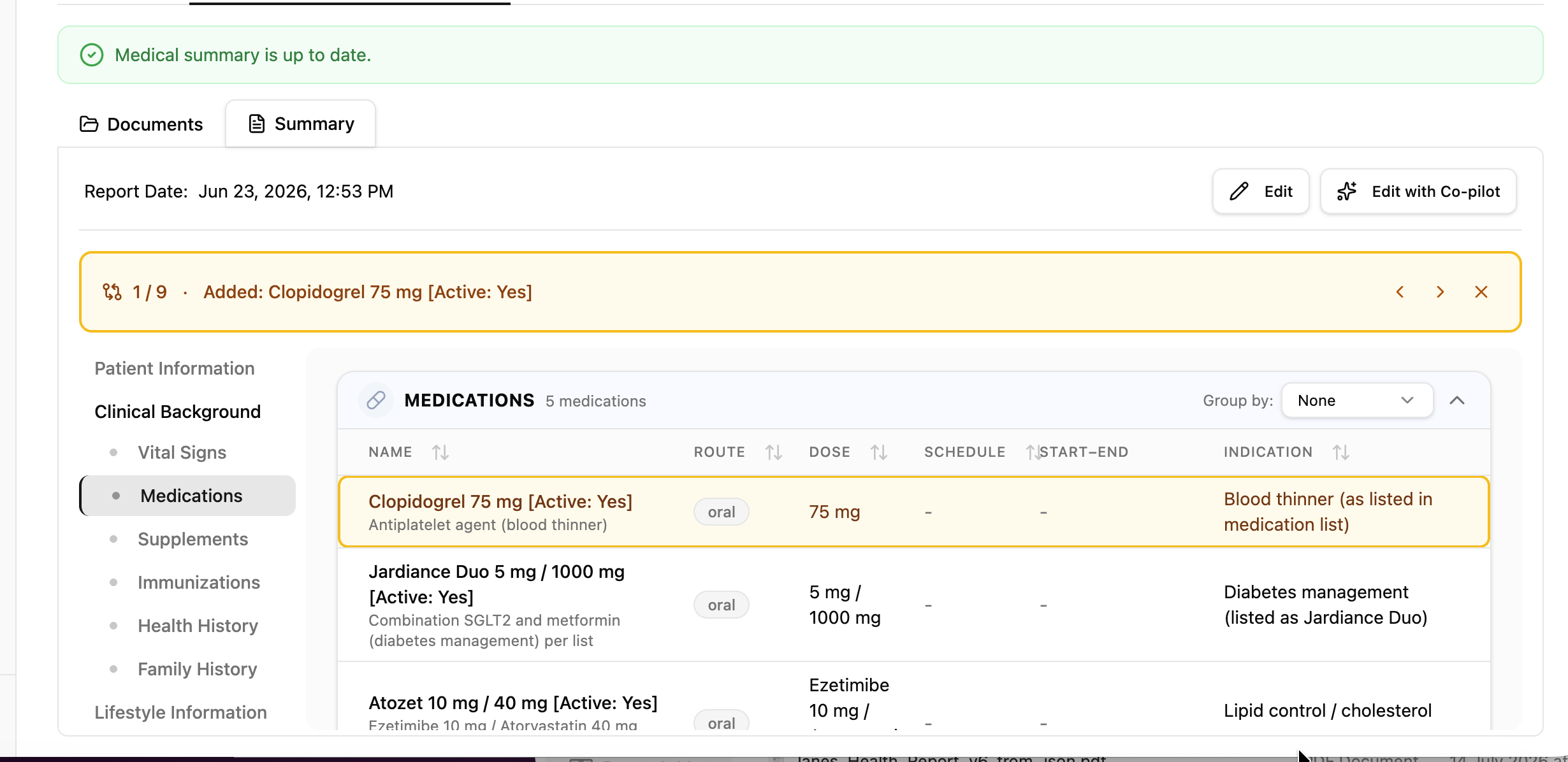
When an assessment updates, a Summary of changes banner opens first, so you know what moved before you read anything else.
INTAKE LINK
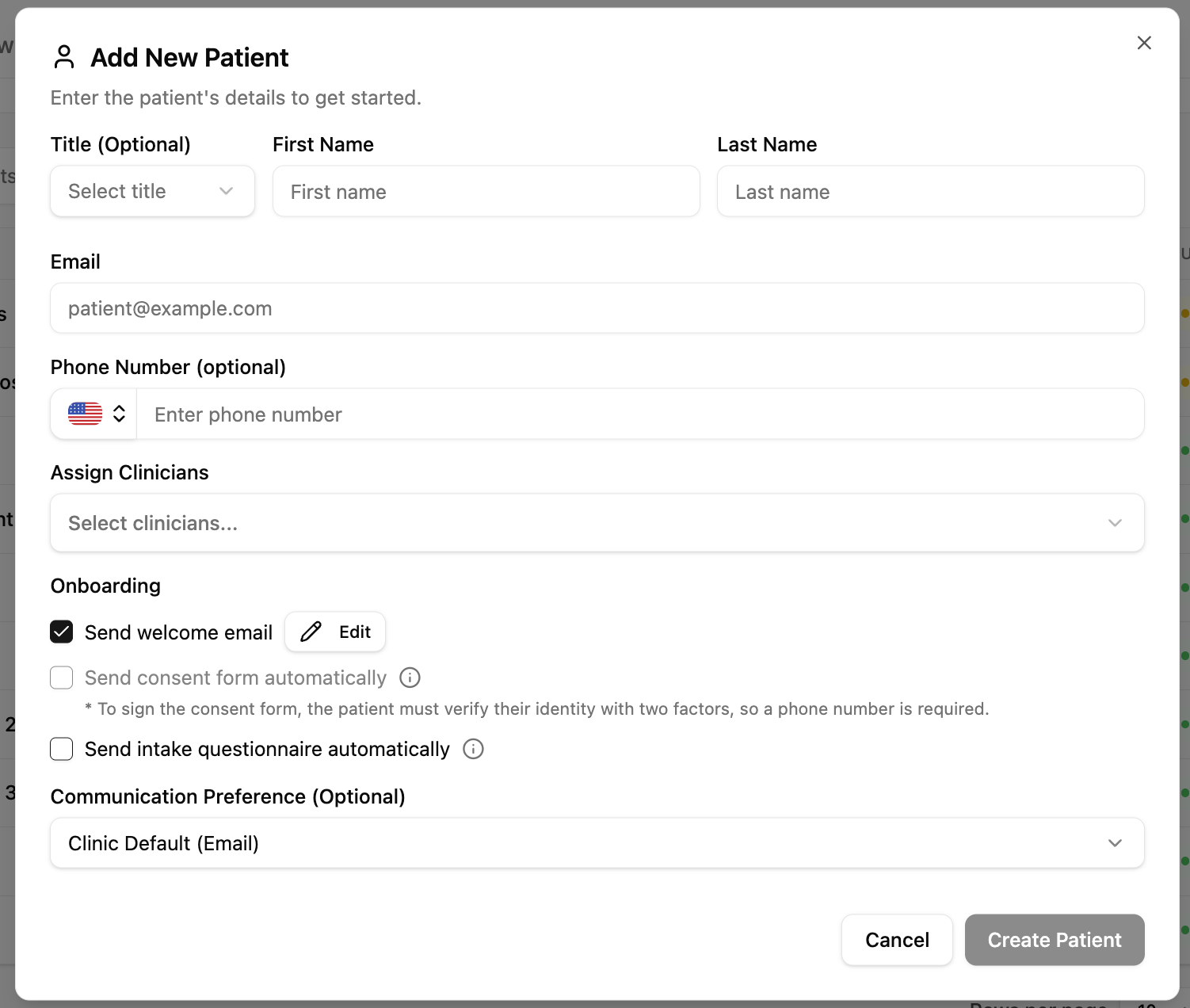
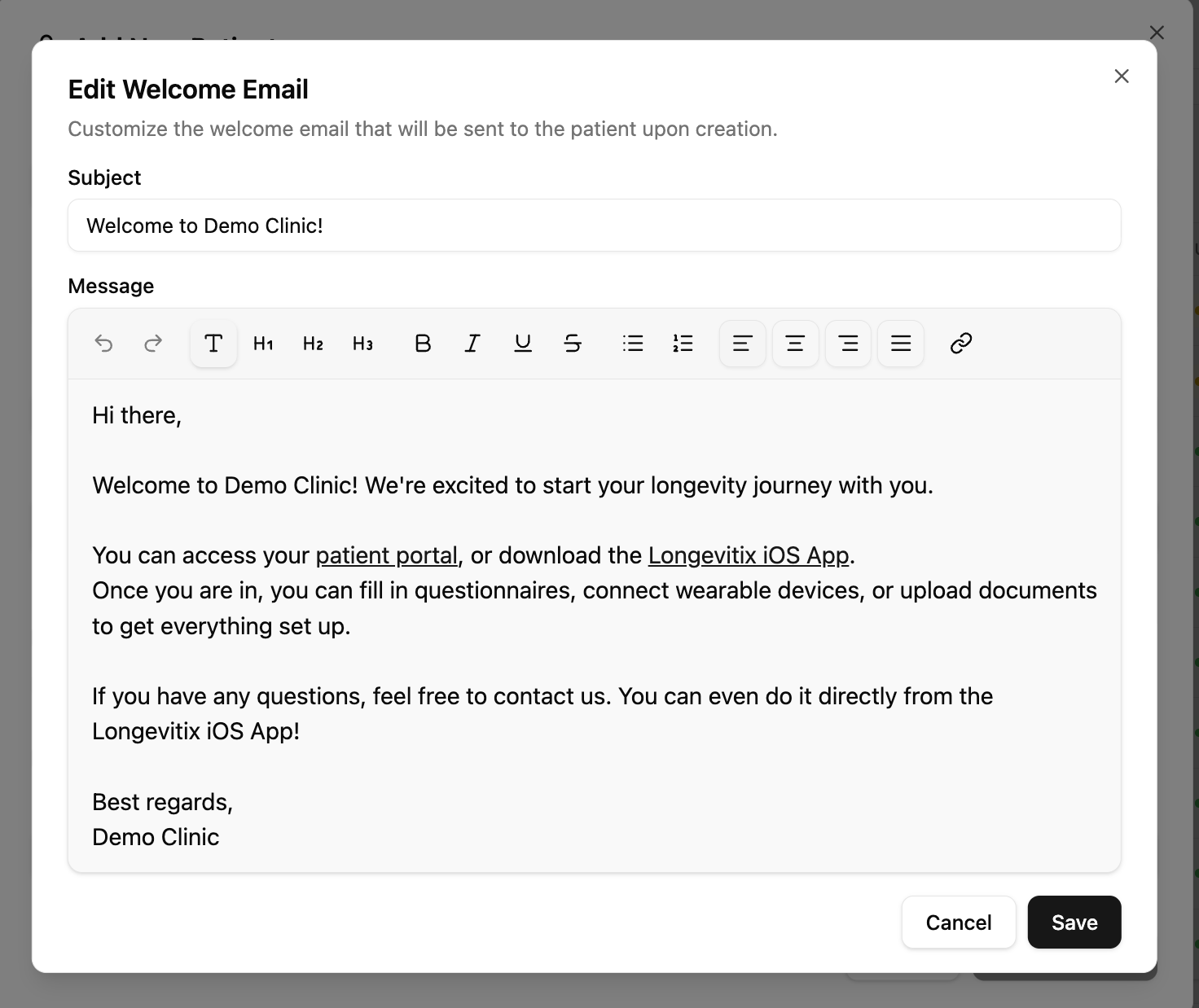
Send the intake link wherever your patients are
The intake form isn't tied to email anymore. Grab a personal link from the send dialog and send it wherever your patients read: WhatsApp, SMS, your own portal message. They open it with no login, and their answers save straight to the record.
INTAKE STATUS
Know where every intake stands
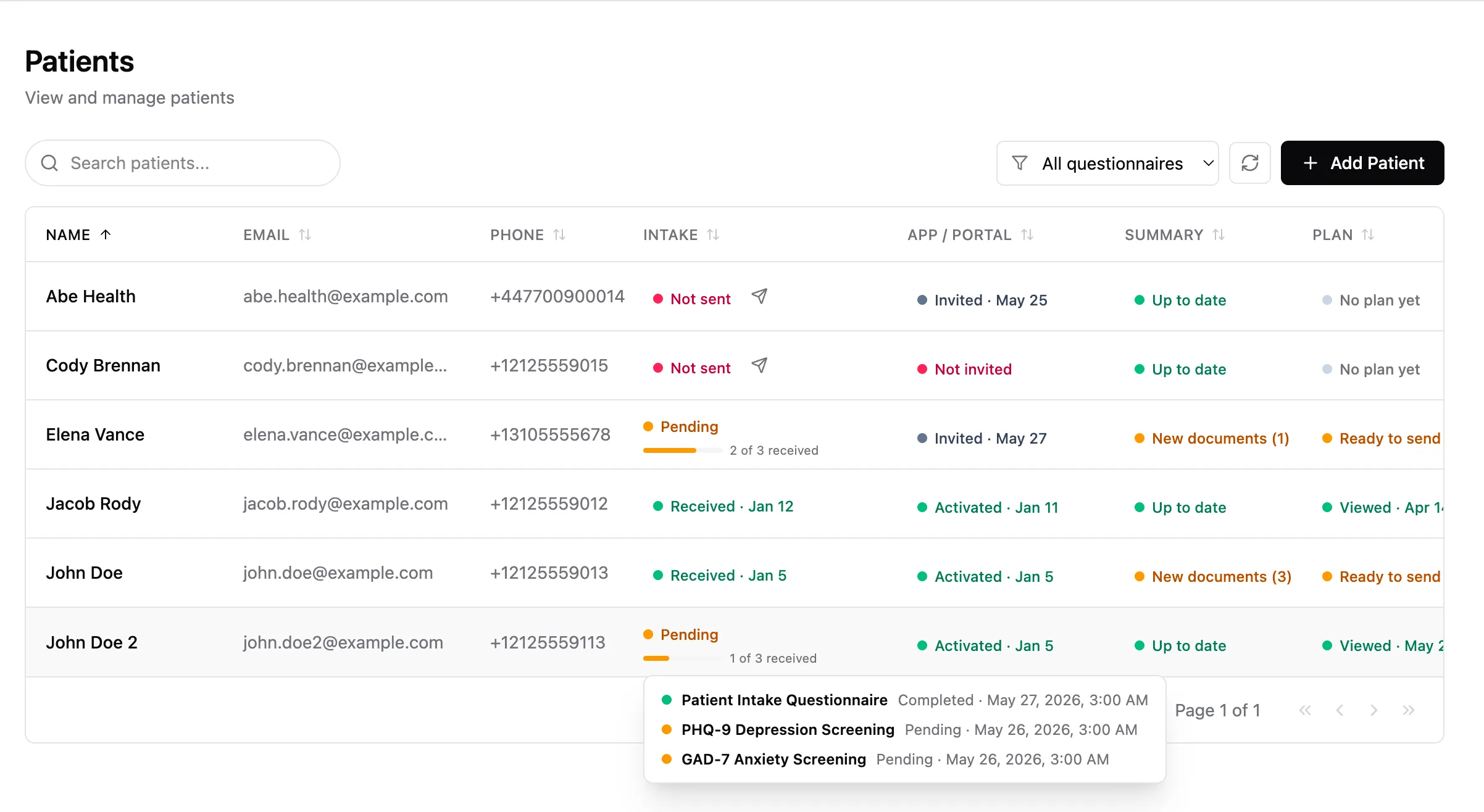
The patient list now has an Intake status column showing where every patient stands, Not sent, Sent, In progress, Received, with the date next to each status and a per questionnaire breakdown on hover. Sort or filter to bring every patient missing an intake to the top, and send it right from the list without opening the patient.
INDEPENDENCE
Delete a patient, on your own
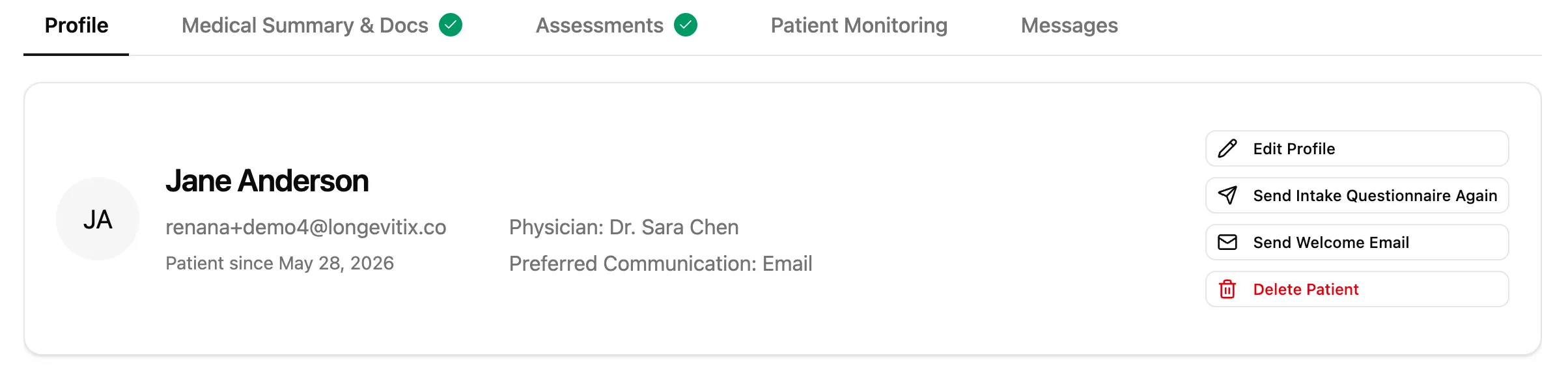
Your clinic, your call. Clinic admins and owners can now delete a patient or a physician directly from the Profile tab, no support ticket and no waiting. More independence in running your clinic day to day.
MOBILE BIOMETRICS
One place for every biometric, in the patient mobile app
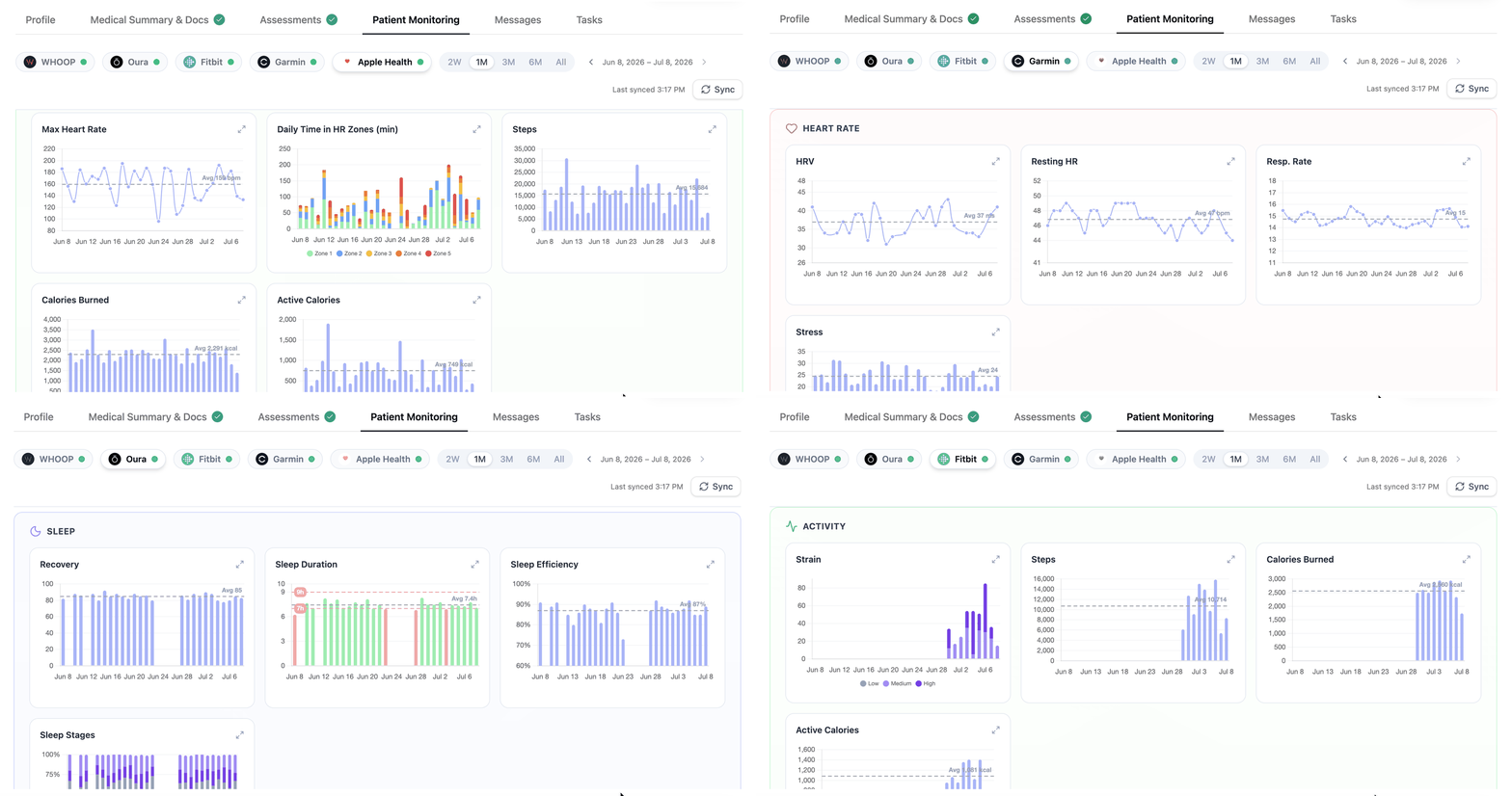
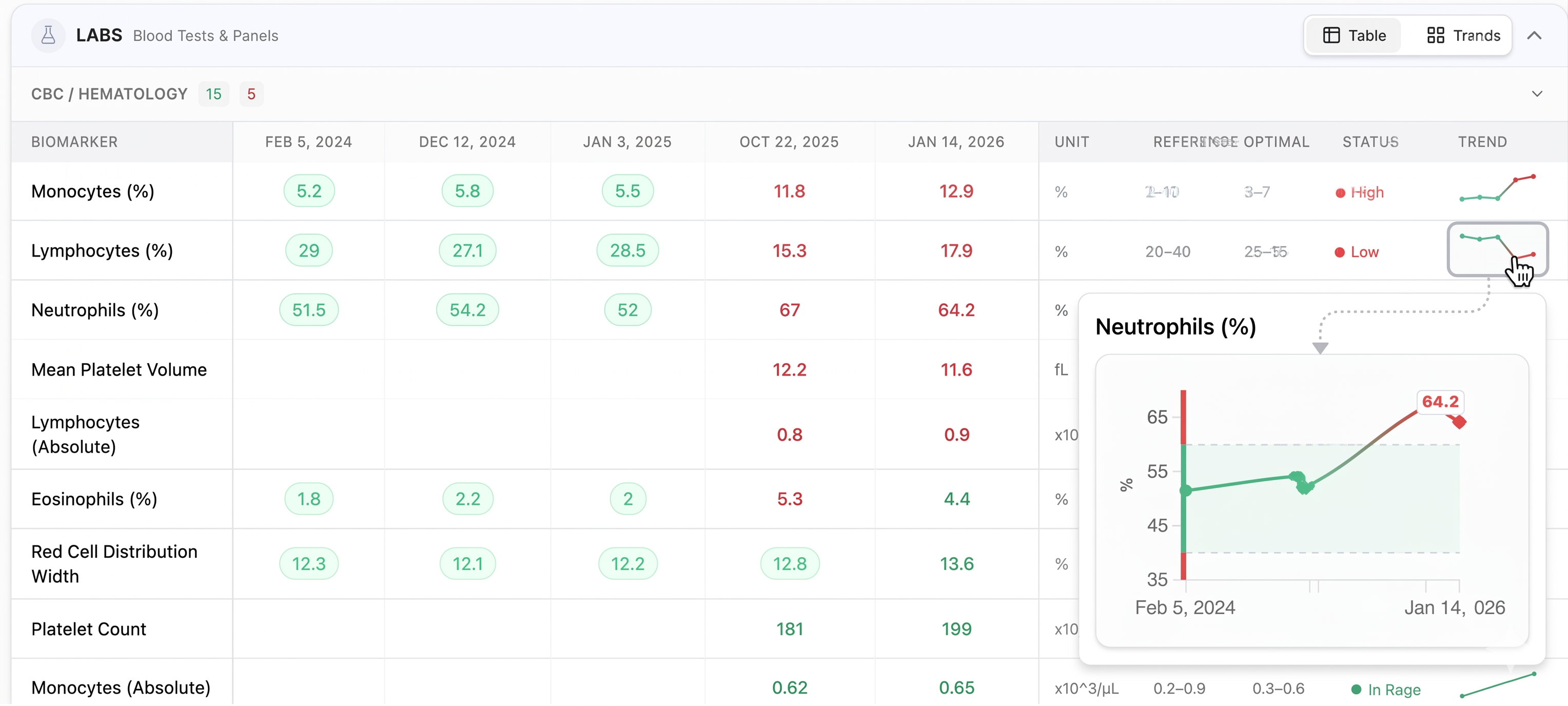
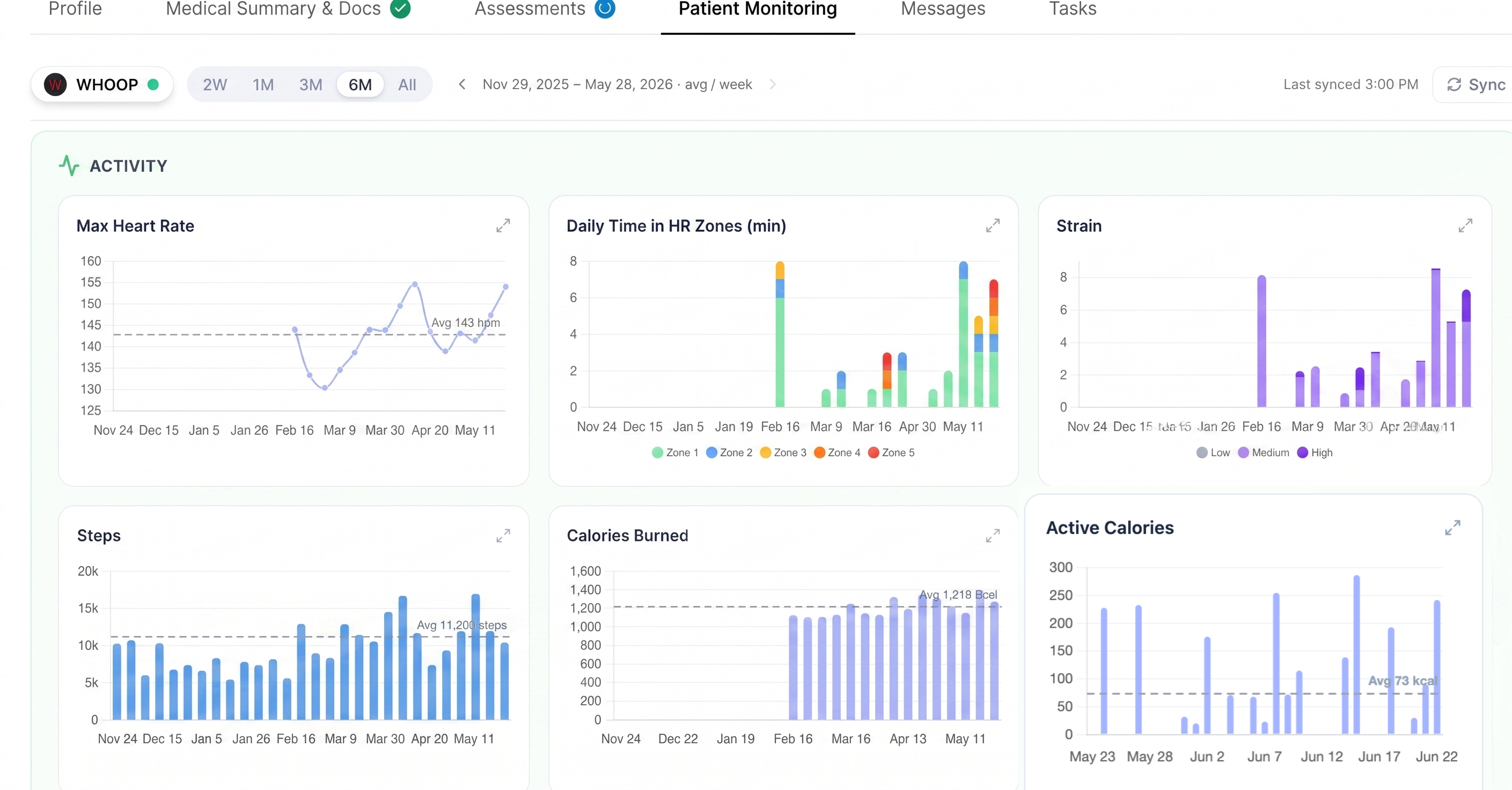
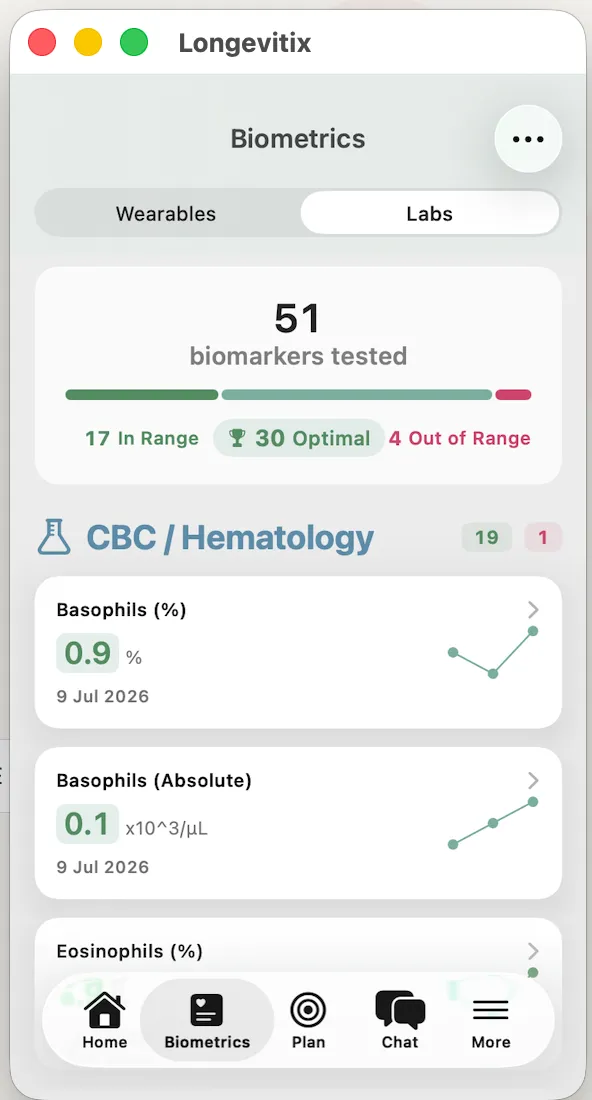
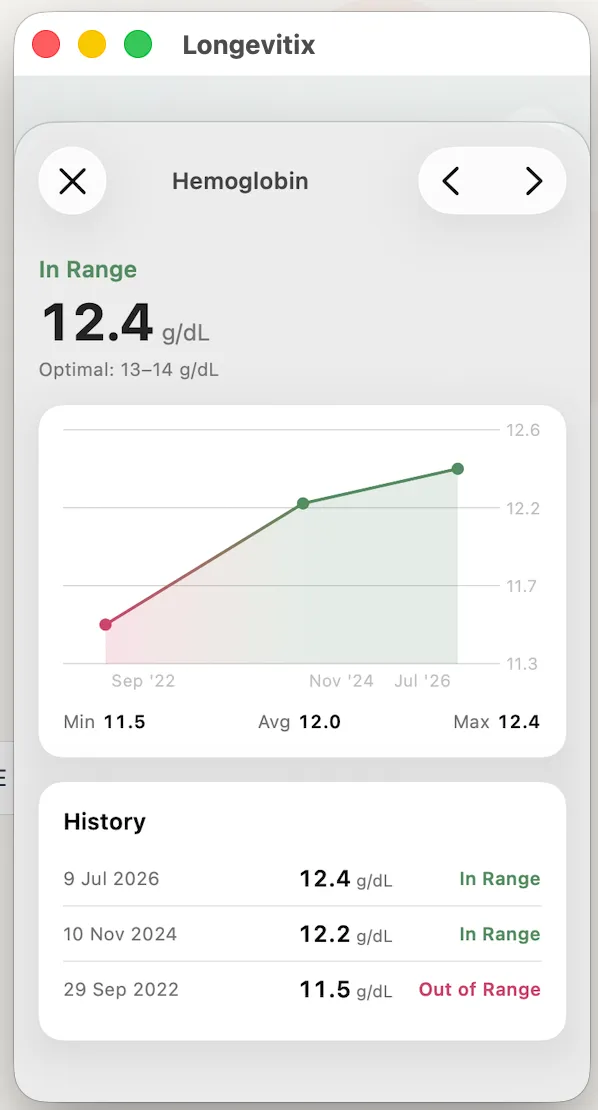
Wearables and lab results now live together in one Biometrics tab. Switch between them, tap into any metric for its full trend, slide your finger across the chart to read past values, and compare devices side by side.
MOBILE HOME
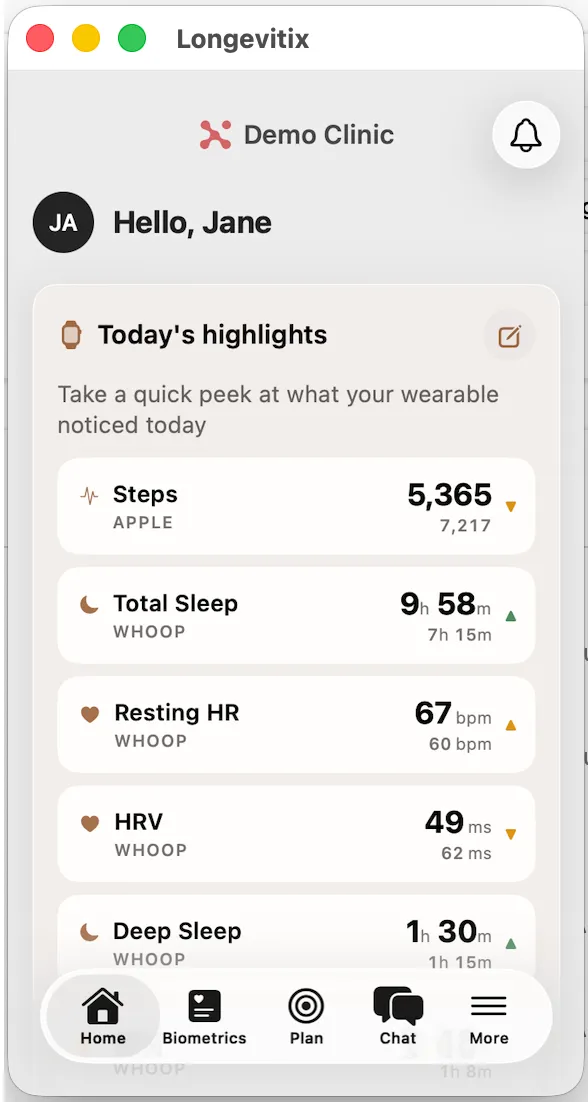
Today's highlights, front and center for your patients, and theirs to shape
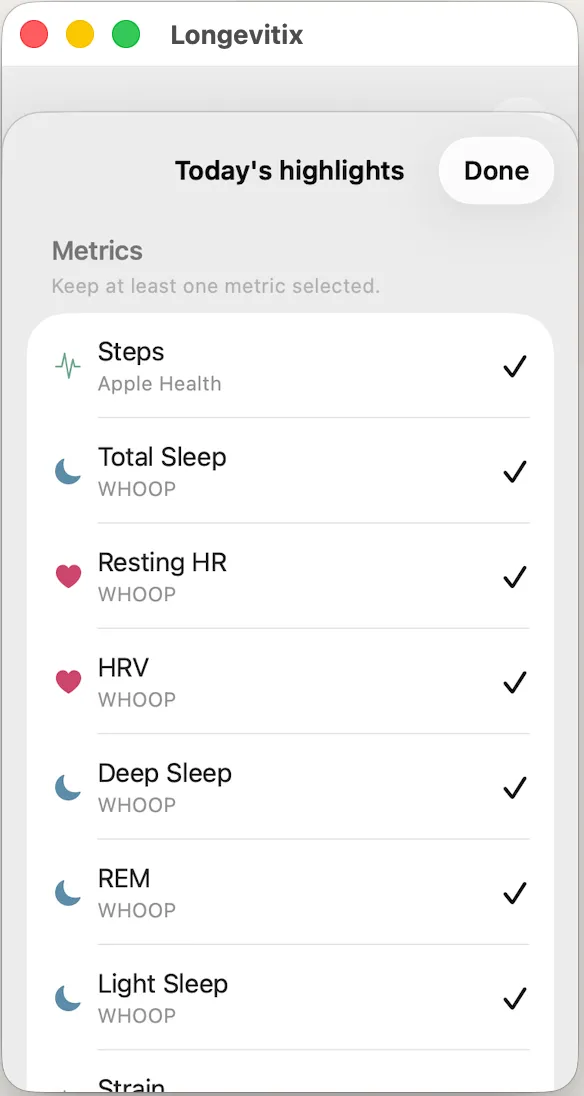
The Today's highlights section moved higher on your patients' mobile app home screen, so their numbers are the first thing they see, not something to scroll for. Each biometric now gets its own full width row with a clear name, source, and value, and patients choose which ones show up. Tapping any highlight opens the full trend. The redesign is built around adherence, so checking in takes less effort every time patients open the app.